apreet app screenshots

apreet is an app for business travelers that shows you who you already know near each trip destination. Here are nine screens from the iPhone app, as of November 2026. apreet is also in beta on Android.

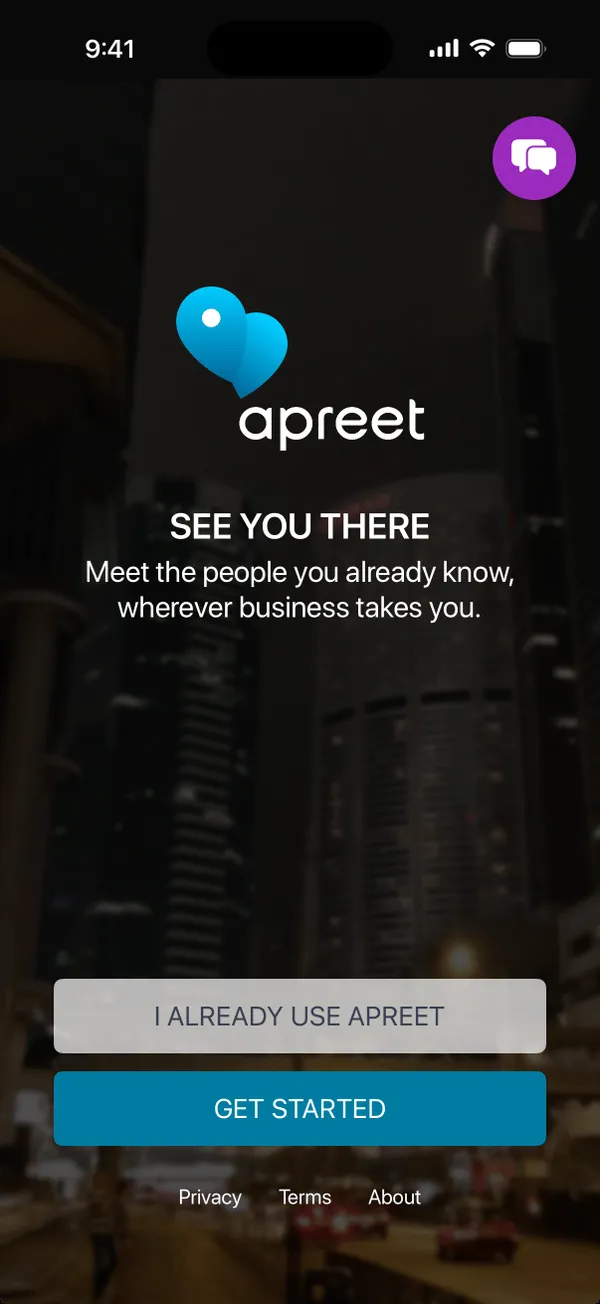
  1. apreet welcome screen on iPhone with the apreet logo, the line See you there, and two buttons, I already use apreet and Get started.
    The welcome screen: meet the people you already know, wherever business takes you.
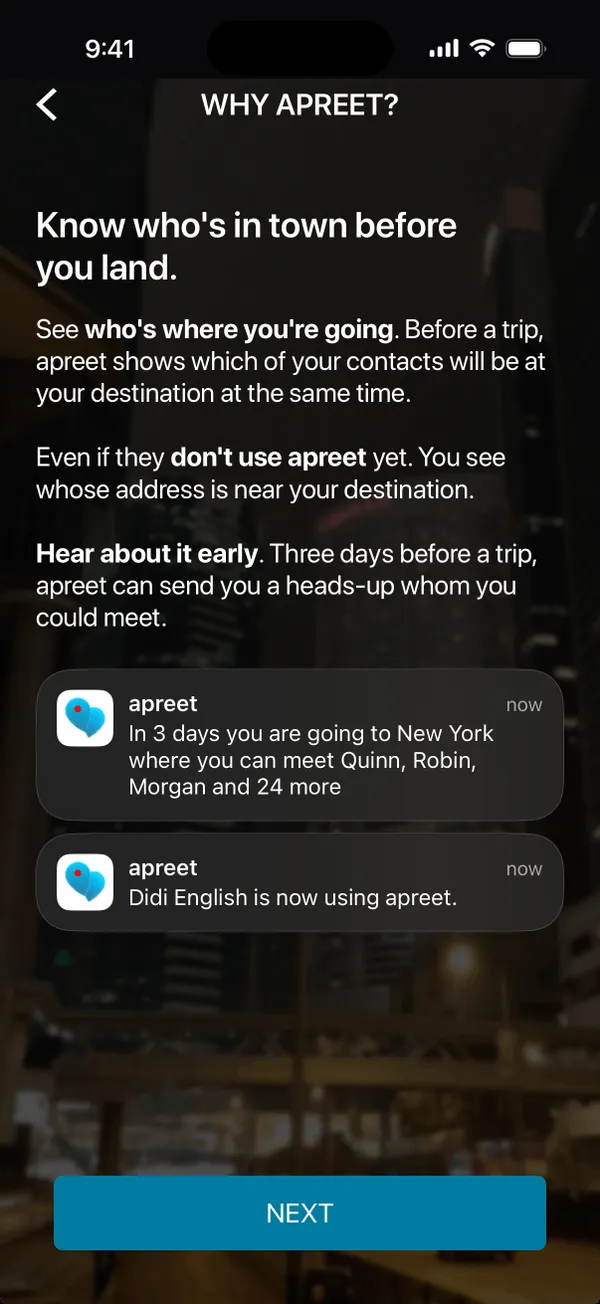
  2. apreet Why apreet screen on iPhone: a heading about knowing, before you land, whom you already know there, short paragraphs and two example notifications from apreet.
    Why apreet. Before a trip, apreet shows you who you already know near your destination. With your permission, it sends a heads-up three days before. How matching works
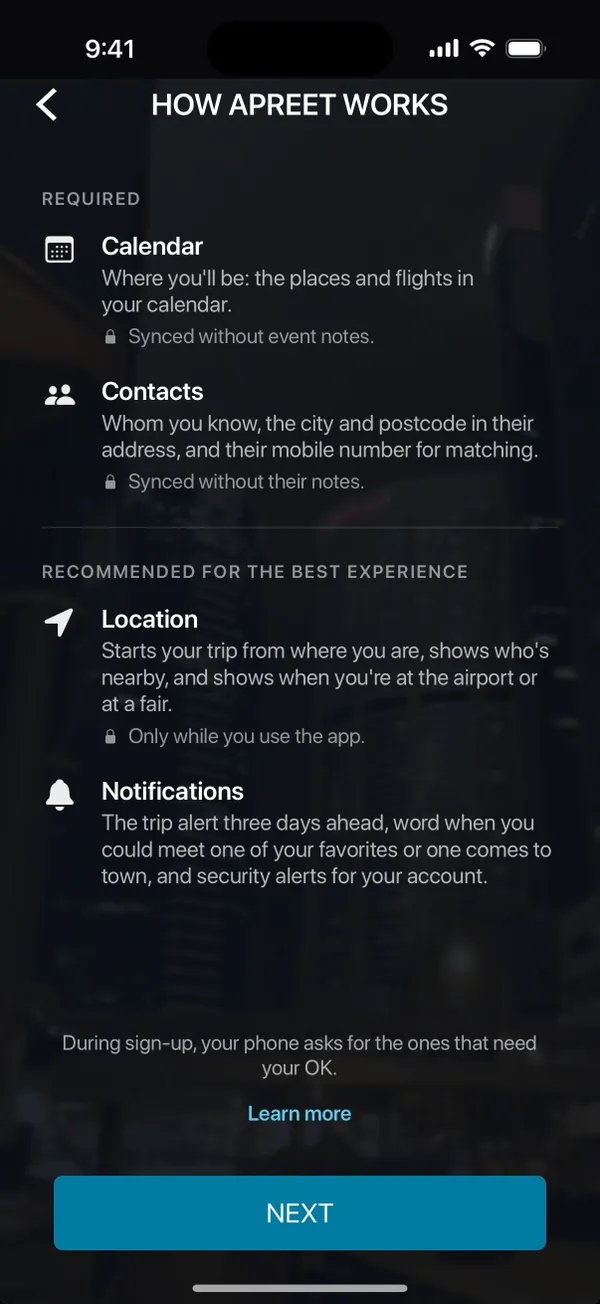
  3. apreet How apreet works screen on iPhone listing the required permissions, Calendar for where you will be and Contacts for whom you know, each marked as synced without notes, then the recommended Location and Notifications with a line on what each is for.
    How apreet works, the first step: your calendar says where you will be, your contacts say whom you know. apreet does not send event notes or contact notes off your phone. What apreet reads
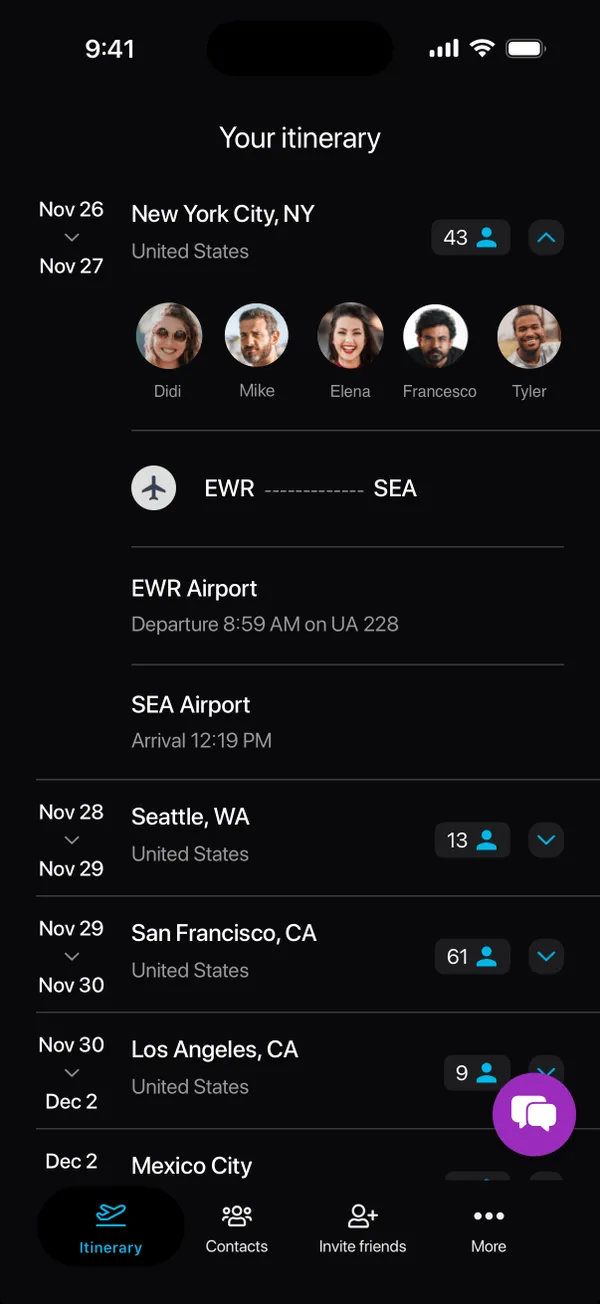
  4. apreet Your itinerary screen on iPhone: New York City on two days with a count and five contact photos, then a flight between two airports with departure and arrival times, then the next stops by date.
    Your itinerary: your trips from your calendar, flights included, with the people you know at each stop. How it works
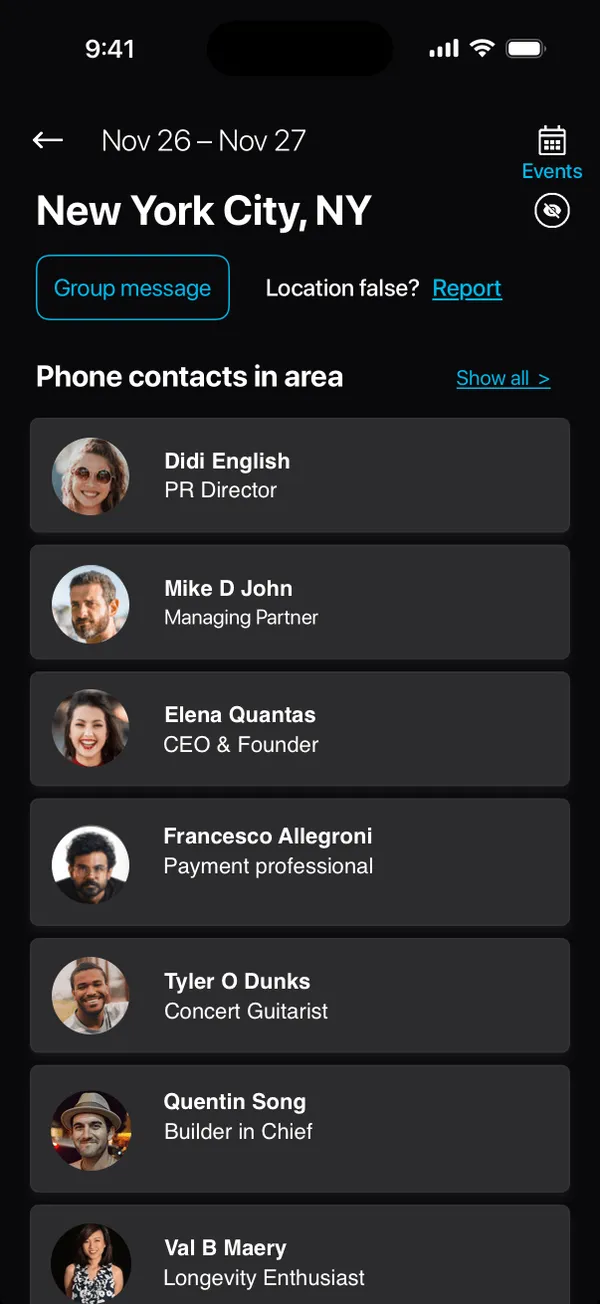
  5. apreet trip screen on iPhone for two days in a city, with Group message and Events buttons and a list headed Phone contacts in area, each contact with a photo, name and job title.
    Open a trip to see your phone contacts in that area.
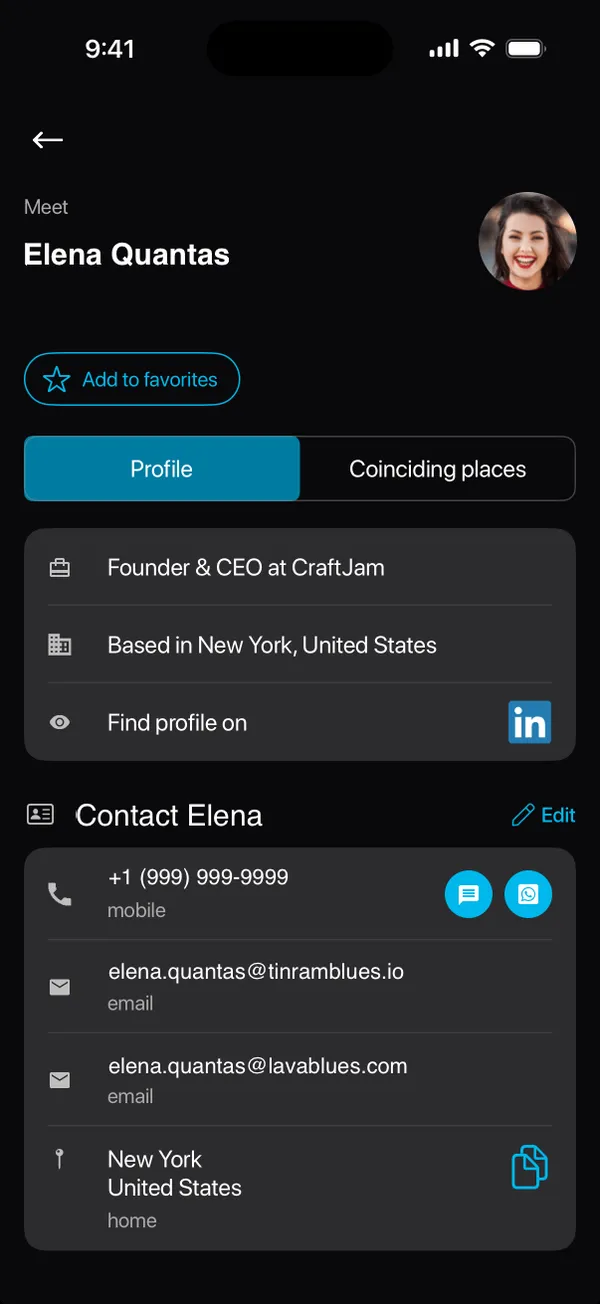
  6. apreet contact card on iPhone with Profile and Coinciding places tabs, showing the contact's role, where they are based, a Find profile on LinkedIn row, and a phone number, two email addresses and a home city.
    A contact's card, with a shortcut to their LinkedIn profile.
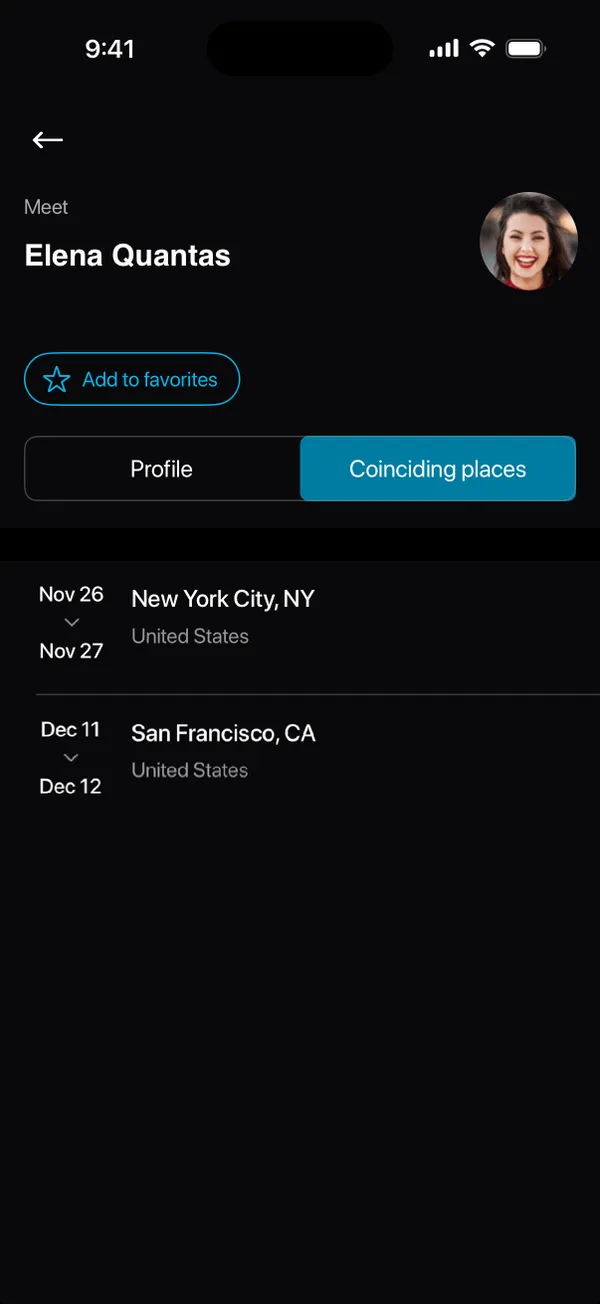
  7. apreet contact card on iPhone with the Coinciding places tab open, listing two cities with dates.
    Coinciding places: where your trip and a contact's trip overlap, same city, same days.
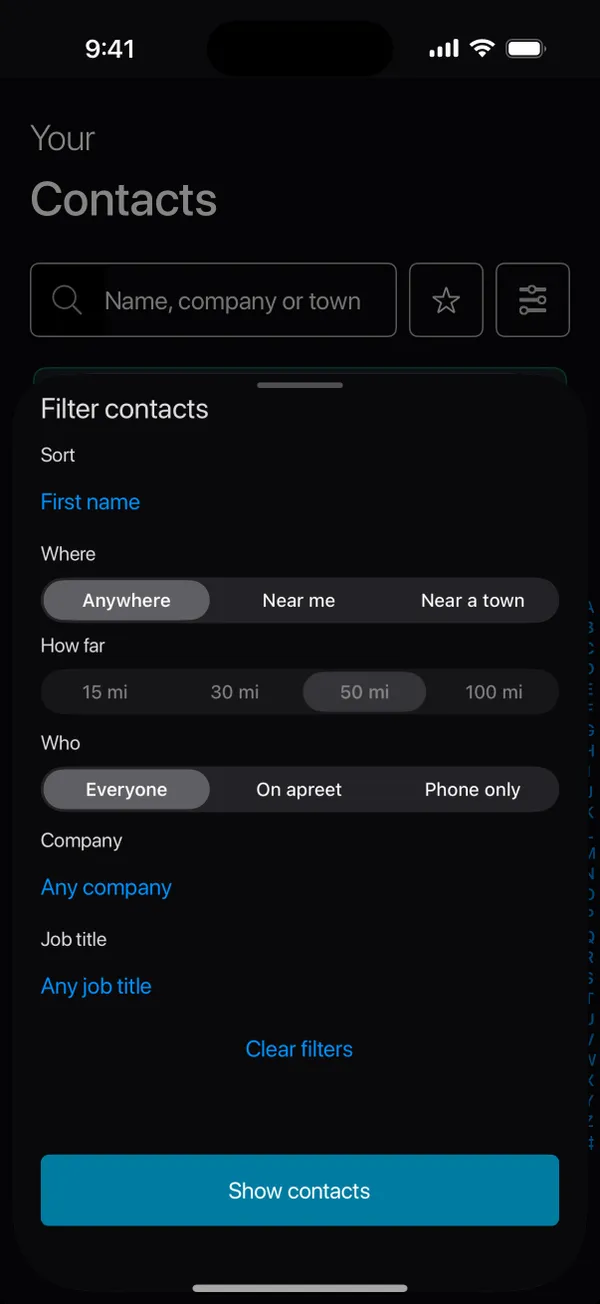
  8. apreet Filter contacts sheet on iPhone over the Contacts screen, with choices for sort, where (Anywhere, Near me, Near a town), how far (15, 30, 50 or 100 mi), who (Everyone, On apreet, Phone only), company and job title.
    Filter your contacts by place, distance, who is on apreet, company or job title. Sort and search
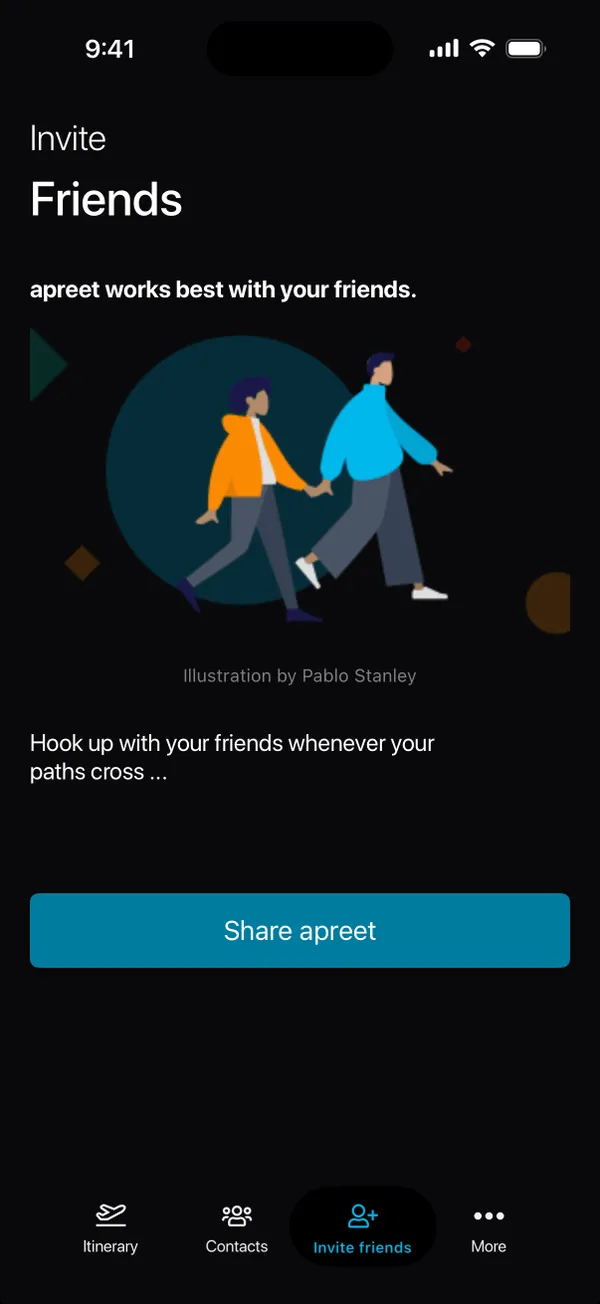
  9. apreet Invite friends screen on iPhone with an illustration of two people walking, the line apreet works best with your friends, and a Share apreet button.
    Invite friends: share apreet with the people you know.

See everything the app does on the features page.

See who you already know on your next trip

Free beta, available via TestFlight (iOS) and Play Beta (Android).

Download Beta 馃殌 Get it on Google Play